
Batch translation
Batch Image Translator
Upload and translate up to 20 images in one run, then download each finished result.
Batch upload images
Select or drag up to 20 JPG, PNG, WebP, or GIF images at once. Each image can be up to 20 MB.
Try each AI feature once per day for free. Sign in to continue and keep results in your account.
High-volume workflow
Move an entire image set through one translation workflow
Keep a campaign, catalog, or episode visually consistent while translating many related images in one organized run.
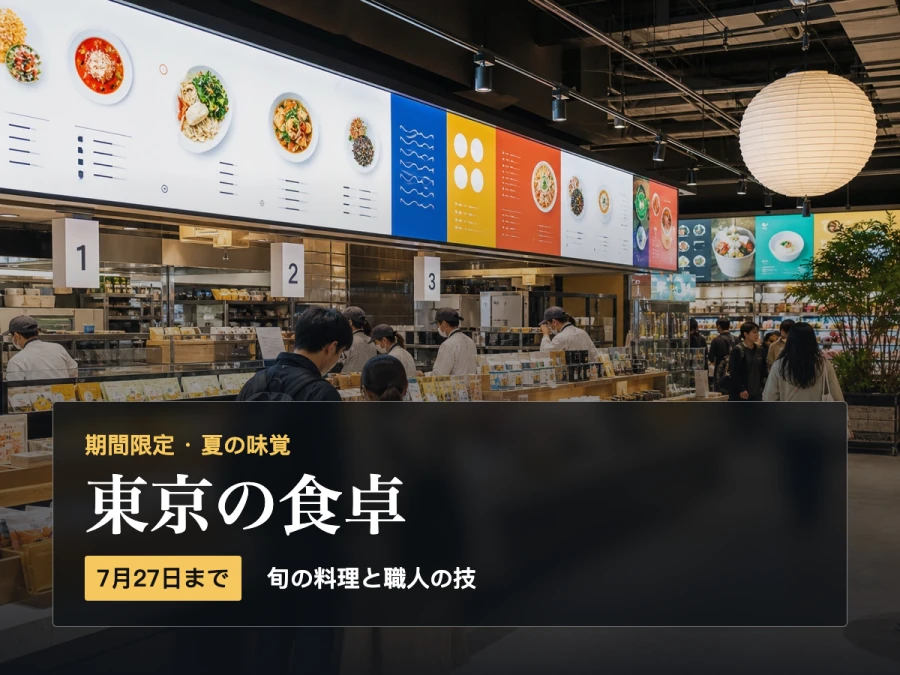

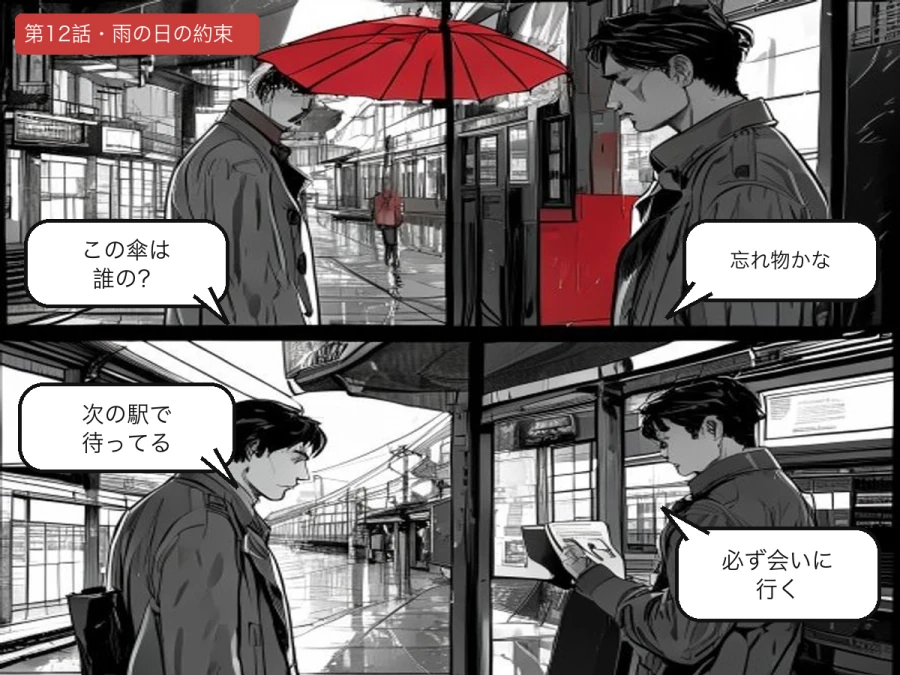
Designed for real image workflows
Translate a complete image set in one organized run
Batch translation is built for catalogs, campaigns, screenshots, and comic pages that need the same target language and terminology.
Translate a product catalog or marketplace image set with consistent brand terminology.
Process campaign graphics, social posts, and interface screenshots in the same run.
Translate multiple manga or comic pages while keeping names and tone consistent.
How to translate multiple images at once
One configuration applies to every file in the batch.
- 01
Upload up to 20 JPG, PNG, or WebP images and arrange the files you want to process.
- 02
Choose one target language and add shared terminology or translation instructions.
- 03
Start the batch, review each completed image, and download the individual results.
Batch image translation questions
How many images can I translate in one batch?
You can upload and process up to 20 images in one run. Each image produces its own translated result.
Will every image use the same terminology?
The target language and custom instruction are shared across the batch, helping names and preferred terms stay consistent.
Can I batch translate product images or manga pages?
Yes. Catalog sets, campaign graphics, screenshots, and sequential comic pages are common batch workflows.
Ready in moments
Upload, adjust the settings, and preview the result in one straightforward flow.
Privacy comes first
Before you begin, ImageWise clearly indicates whether a tool runs locally or requires AI processing through your account.
Made for real work
Handle one-off edits, recurring content tasks, and multi-image projects from the same workspace.
Processing images regularly?
Compare plans for more AI usage, batch processing, saved results, and larger image workloads.