
Beauty & packaging
Background removedKeep polished bottles and reflective packaging clean through every frame.
 Original GIF
 Transparent result
AI GIF BACKGROUND REMOVER
Create clean transparent animations without cutting frames by hand. Temporal AI follows the subject across the whole GIF for smoother, more consistent edges.
Output format


REAL GIF COMPARISON
The same animation plays on both sides, so you can judge the moving edges—not just a carefully selected still frame.
Keep polished bottles and reflective packaging clean through every frame.
Original GIFTransparent resultKeep expressive characters moving while removing busy backgrounds.
 Original GIF
 Transparent result
Turn pet reactions and short loops into reusable transparent assets.
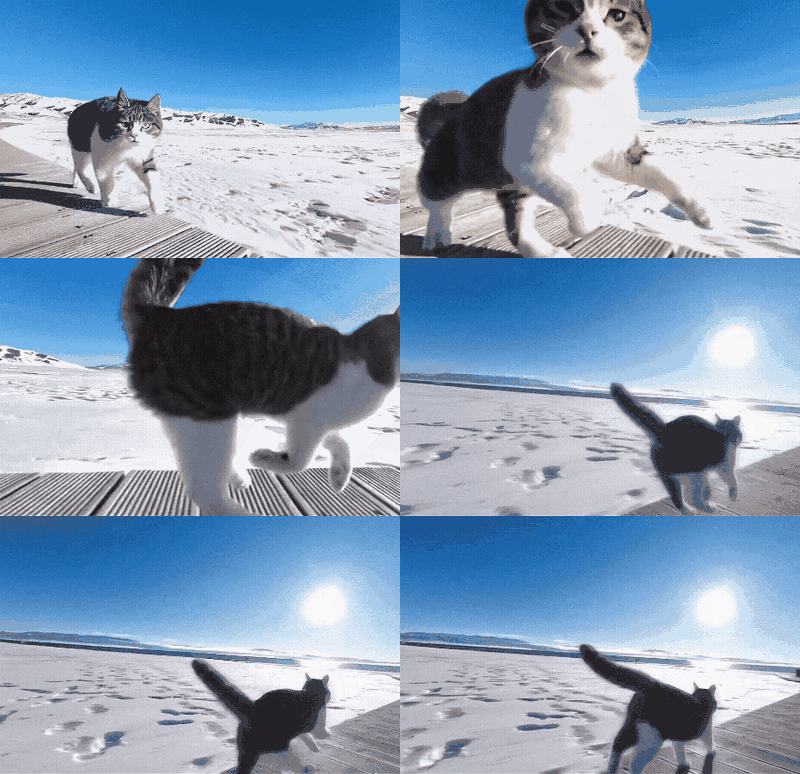 Original GIF
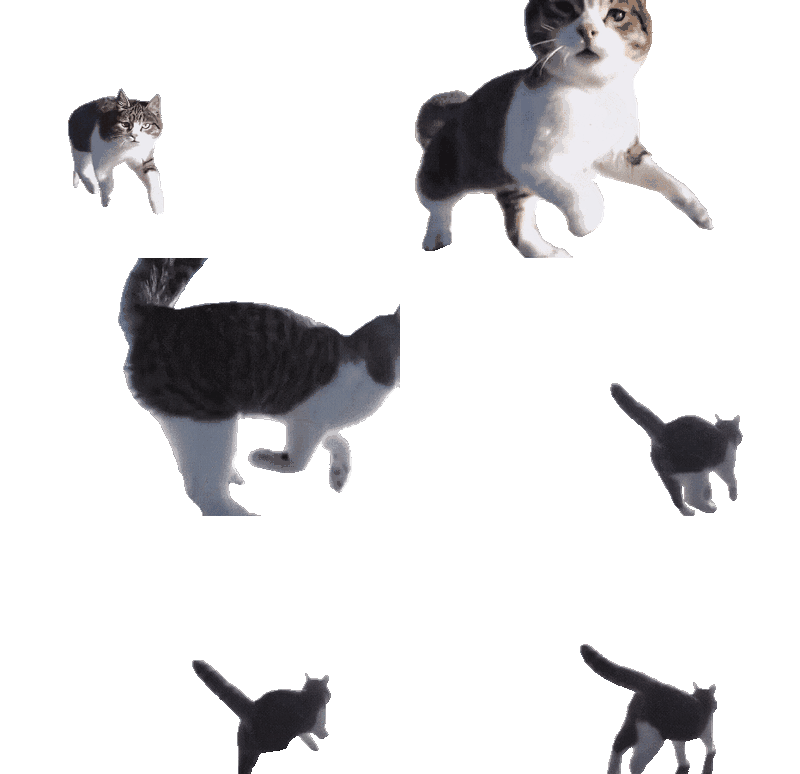 Transparent result
The transparent GIF plays over checkerboard, dark, and blue backgrounds so you can verify the alpha channel directly.
POPULAR USE CASES
Remove white, solid-color, or simple scene backgrounds and reuse the animation wherever a solid box would get in the way.
Turn GIFs with white, light, or single-color backgrounds into transparent animations for dark mode, overlays, and flexible layouts.
Cut out animated reactions, characters, and pets so they blend naturally into chats, stories, and short-form content.
Create transparent alerts, loaders, onboarding motion, product demos, and UI assets that work on light or dark screens.
ImageWise processes the animation as a continuous sequence, then preserves the GIF properties that make it play correctly.
Temporal AI follows moving subjects to reduce flicker around hair, products, pets, and fast motion.
Choose a familiar transparent GIF or WebM with smoother partial transparency and smaller files.
Keep the original size, animation speed, frame order, and loop behavior in the finished result.
HOW IT WORKS
No frame extraction, masking, or animation editor is required.
Choose an animated GIF up to 10 MB and review its frames, duration, and dimensions.
The model tracks the foreground through the full animation instead of treating frames as unrelated images.
Compare both versions on light and dark backgrounds, then download GIF or WebM.
No. The processing pipeline preserves frame timing, order, dimensions, and loop behavior.
Choose GIF for broad compatibility. Choose WebM when you need smoother semi-transparent edges and a smaller modern web asset.
GIF supports only fully transparent or fully opaque pixels. WebM supports alpha transparency and is better for hair, motion blur, glass, and soft shadows.
Yes. White, light, and solid-color backgrounds usually provide the clearest separation. Complex scenes can also work, but fine hair, blur, glass, and shadows may look smoother in WebM.
Use a sharp GIF with a clearly visible foreground, stable lighting, and good contrast between the subject and background. Very small, heavily compressed, or fast-blurred GIFs are harder to separate cleanly.
Yes. Guests can try one GIF background removal per day for clips up to 5 seconds. Sign in to process longer clips and batches according to your available credits.