
Manga translation
AI Manga Translator
Translate dialogue and narration while keeping the page order and visual composition easy to follow.
Batch upload images
Select or drag up to 20 JPG, PNG, WebP, or GIF images at once. Each image can be up to 20 MB.
Try each AI feature once per day for free. Sign in to continue and keep results in your account.
Panel-aware localization
Keep every panel readable and in character
Translate dialogue and narration while respecting speech bubbles, panel flow, pacing, and the visual tone of the page.
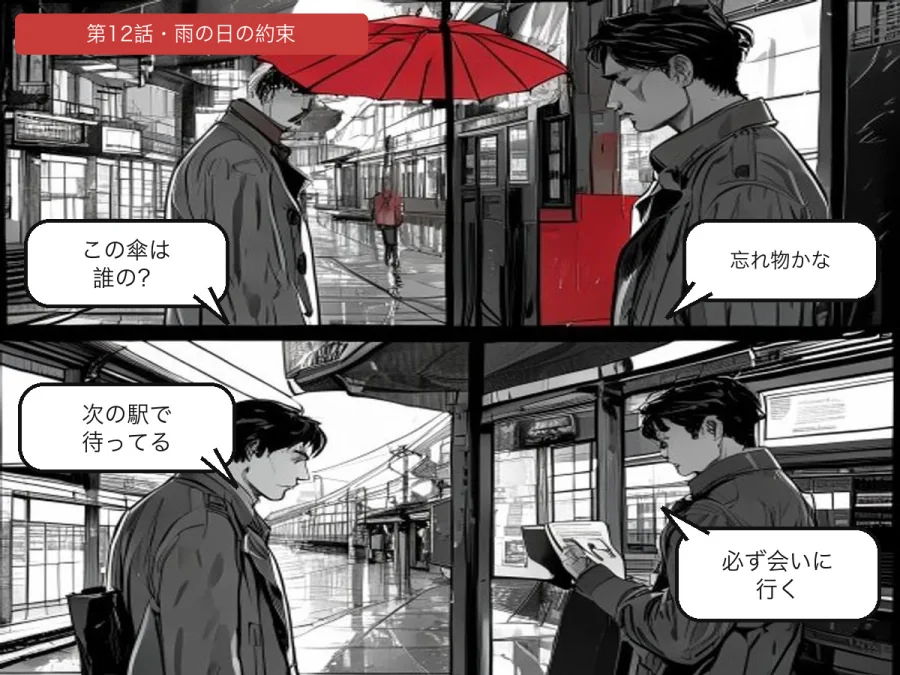
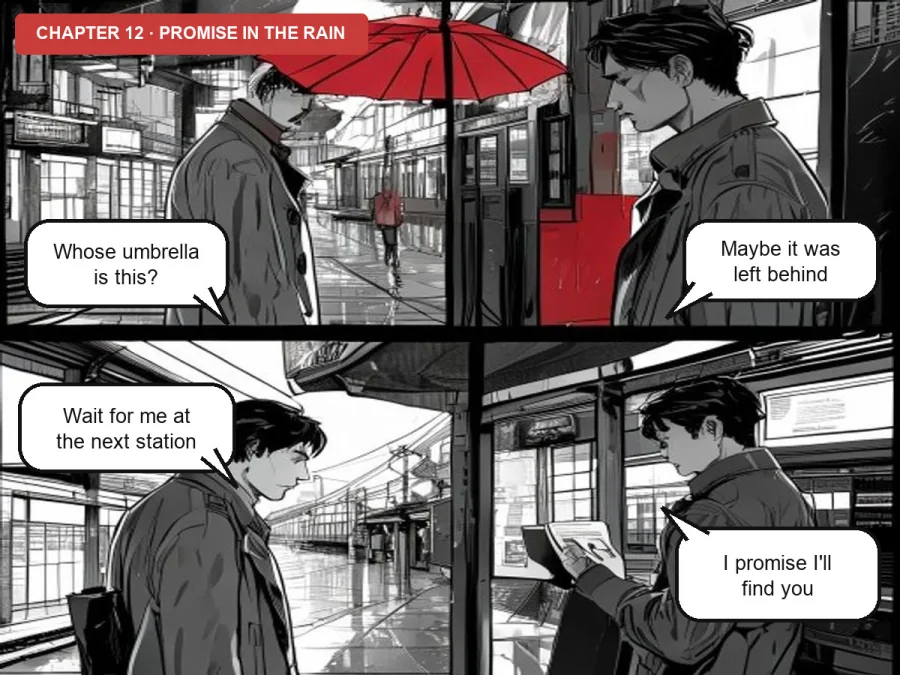
Designed for real image workflows
Translate comic dialogue without covering the artwork
ImageWise detects dialogue and narration regions, uses the surrounding panel for context, and fits translated text back into the page.
Translate Japanese manga dialogue and vertical text into a language you read.
Localize Korean manhwa, Chinese manhua, webcomics, and Western comic pages.
Process several episode pages with the batch workflow and consistent instructions.
How to translate manga speech bubbles
Keep the full page intact so the model can use panel and dialogue context.
- 01
Upload a complete comic page with clear speech bubbles, captions, and panel boundaries.
- 02
Choose the target language and specify names, honorifics, tone, or terms that must stay consistent.
- 03
Review bubble fit, reading order, sound effects, and small annotations before downloading.
Manga and comic translation questions
Can it translate manga speech bubbles automatically?
Yes. ImageWise detects likely dialogue regions, translates the text, and redraws it in the corresponding area of the page.
Does it work for manga, manhwa, and manhua?
It can process Japanese, Korean, Chinese, and other comic formats. Clean scans with readable lettering produce the best results.
Will it preserve panels and artwork?
The workflow changes detected text regions rather than regenerating the full page. Detailed art behind text and stylized sound effects should still be checked.
Ready in moments
Upload, adjust the settings, and preview the result in one straightforward flow.
Privacy comes first
Before you begin, ImageWise clearly indicates whether a tool runs locally or requires AI processing through your account.
Made for real work
Handle one-off edits, recurring content tasks, and multi-image projects from the same workspace.
Processing images regularly?
Compare plans for more AI usage, batch processing, saved results, and larger image workloads.