
AI image description
AI Image Describer
Describe any image with AI and generate detailed descriptions, alt text, captions, product copy, object lists, or visible text in your preferred language.
Batch upload images
Select or drag up to 20 JPG, PNG, WebP, or GIF images at once. Each image can be up to 20 MB.
What do you need?
1/5 selectedTry each AI feature once per day for free. Sign in to continue and keep results in your account.
Useful image descriptions
From one image to a description people can use
Turn visual details into clear language for accessibility, publishing, product content, and everyday communication.
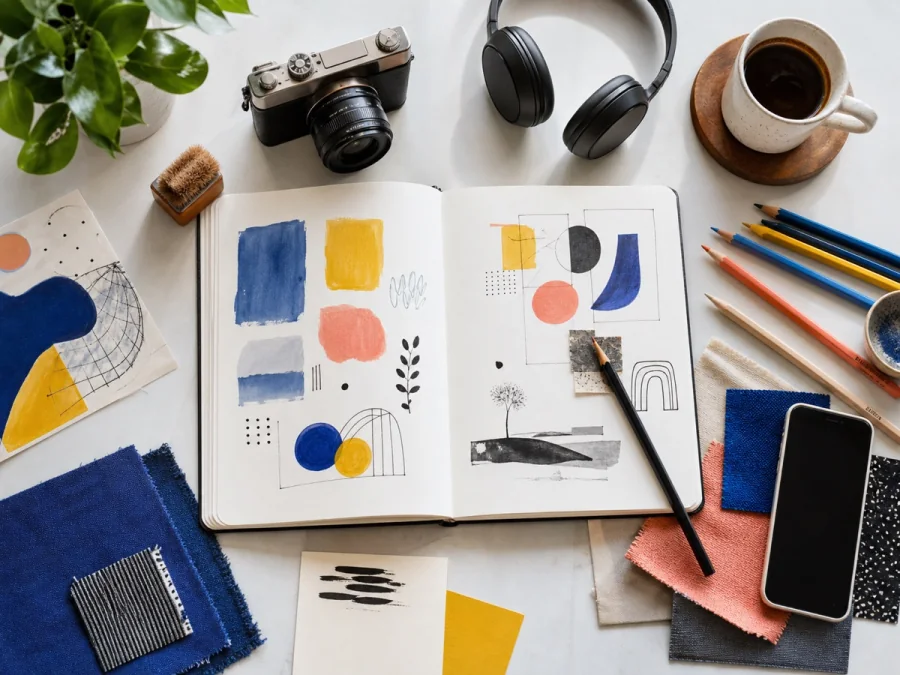
Accessible alt text
Top-down view of an open sketchbook surrounded by a camera, headphones, coffee, colored pencils, fabric swatches, a phone, and a leafy plant.
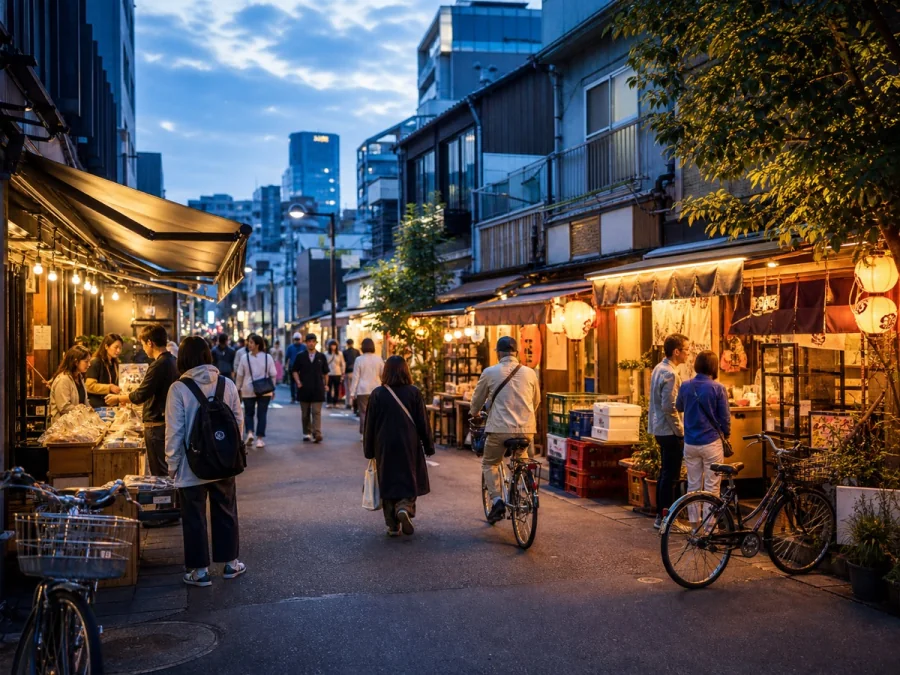
Editorial captions
Evening settles over a lively Tokyo neighborhood as pedestrians and cyclists move between warmly lit storefronts beneath a blue sky.

Product descriptions
Minimal blue bottle and coral carton styled on pale stone with folded fabric and green branches, creating a clean, premium skincare presentation.
Designed for real image workflows
Describe any image for accessibility, content, and analysis
Turn a photo, picture, screenshot, artwork, or product image into the text you need: concise alt text, a detailed scene description, a caption, product copy, an object list, or extracted text.
Generate concise alt text for websites, articles, product pages, and digital documents.
Create captions and product descriptions from one image or a batch of related images.
Recognize objects, describe people and style, or extract visible text for further editing.
How to describe an image with AI
Select the output type before processing so the result matches its intended use.
- 01
Upload one or more images, or import an image from a direct URL.
- 02
Choose alt text, brief or detailed description, product copy, caption, OCR, or a custom question.
- 03
Select the output language, generate the description, and copy or refine the result.
AI image description questions
Can I generate alt text from an image?
Yes. Choose a concise description and review the result against the image's purpose and surrounding page content before publishing.
Can it describe several images at once?
Yes. Upload multiple images to create separate descriptions using the same output type and language.
Can the image describer extract visible text?
Yes. Select the text extraction option when you need a readable transcription rather than a visual description.
What is the difference between an image description and alt text?
An image description can explain a scene in depth. Alt text is usually shorter and should communicate the image's purpose in the context of a page, document, or app.
Can AI describe an image in another language?
Yes. Choose your output language before processing to create the description, caption, alt text, or extracted text in that language.
How accurate are AI image descriptions?
Results depend on image clarity and context. Review names, small text, counts, charts, and other important details before publishing or using the description for accessibility.
Ready in moments
Upload, adjust the settings, and preview the result in one straightforward flow.
Privacy comes first
Before you begin, ImageWise clearly indicates whether a tool runs locally or requires AI processing through your account.
Made for real work
Handle one-off edits, recurring content tasks, and multi-image projects from the same workspace.
Processing images regularly?
Compare plans for more AI usage, batch processing, saved results, and larger image workloads.