
Increase image resolution
Create larger pixel dimensions for screens, print layouts, marketplaces, and content platforms without relying on basic interpolation alone.
Image optimization
Recover detail and increase image dimensions by 2x, 3x, or 4x with AI upscaling.
Drop your image here
JPG, PNG, WebP, or GIF up to 20 MB. Drop files here or choose them from your device.
AI reconstructs image detail at the selected output scale instead of simply stretching the original pixels.
Try each AI feature once per day for free. Sign in to continue and keep results in your account.
Reconstruct detail instead of stretching pixels
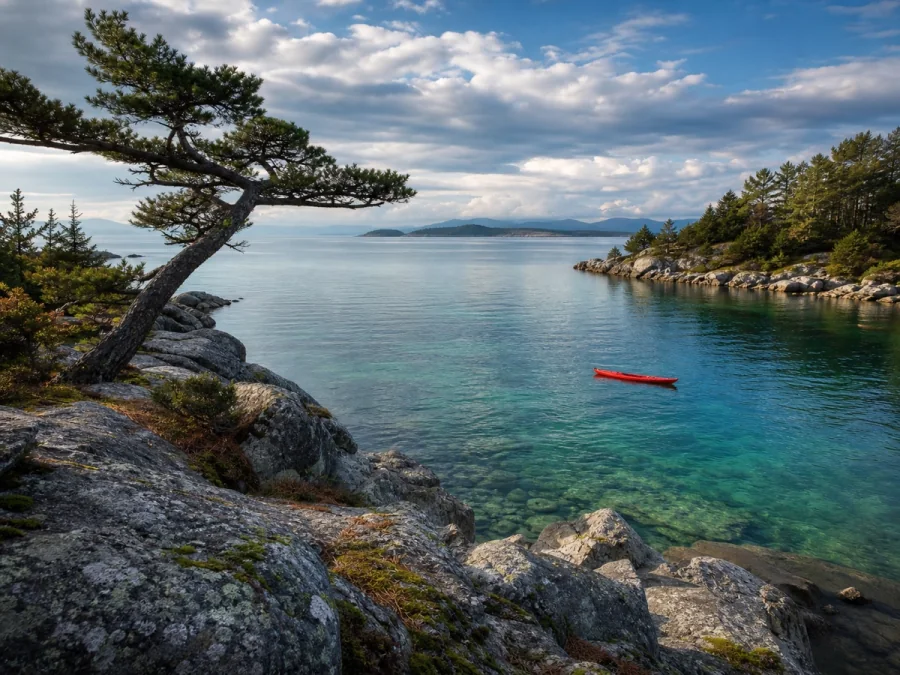 BeforeAI result
Reconstruct detail instead of stretching pixels
Watch AI recover cleaner edges, texture, and clarity while preparing the image for a larger output size.
AI image upscaling
ImageWise uses AI to enlarge photos and graphics while reconstructing edges, textures, and facial detail. Choose a 2x, 3x, or 4x output for larger displays, close crops, print, and high-resolution publishing.
Create larger pixel dimensions for screens, print layouts, marketplaces, and content platforms without relying on basic interpolation alone.
Refine soft edges, textures, and small features so enlarged images look clearer and more usable at their new size.
Use 2x for everyday enlargement, 3x for tighter crops, or 4x when you need substantially larger dimensions and file size is less important.
Upscaling examples
Upscaling is most useful when a small source needs more pixels for cropping, presentation, product publishing, or print. Results still depend on the detail visible in the original image.
OriginalUpscaledCreate larger pixel dimensions for screens, print layouts, marketplaces, and content platforms without relying on basic interpolation alone.
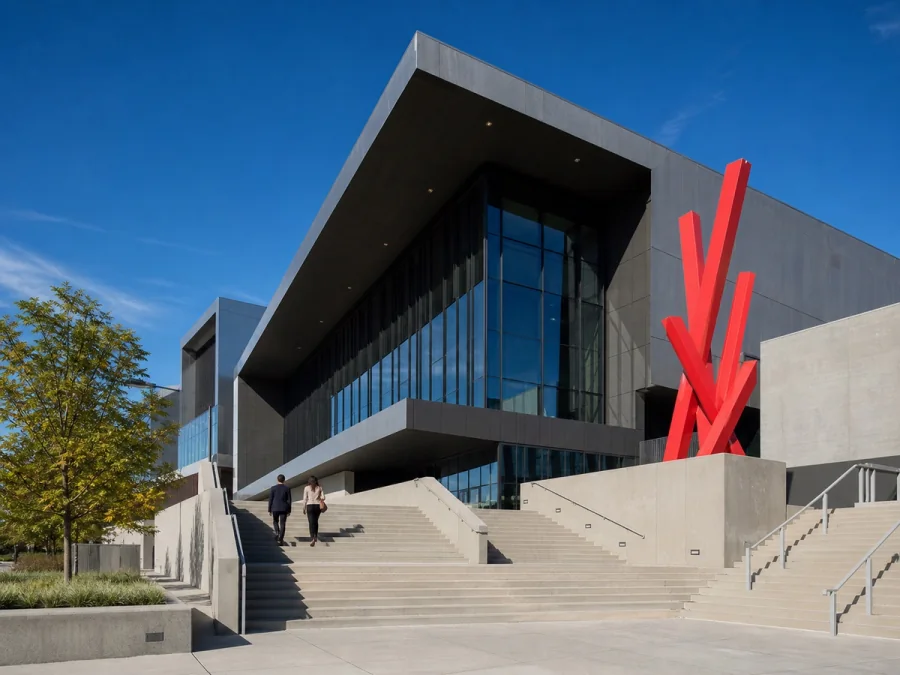 OriginalUpscaled
Refine soft edges, textures, and small features so enlarged images look clearer and more usable at their new size.
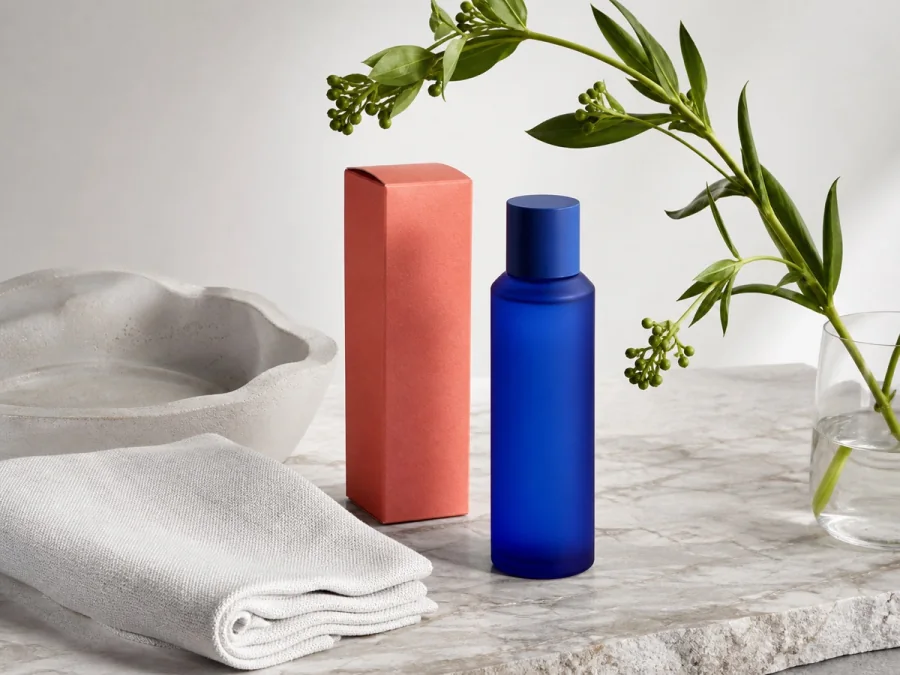 OriginalUpscaled
Use 2x for everyday enlargement, 3x for tighter crops, or 4x when you need substantially larger dimensions and file size is less important.
Three-step workflow
Increase image size in your browser without opening Photoshop or manually rebuilding the file.
Choose a JPG, PNG, or WebP file and review its original pixel dimensions before processing.
Pick an output scale and an upscaling preset suited to photos, portraits, illustrations, or graphics.
Inspect the enlarged result at full size, then download the higher-resolution image for your project.
Best results
More pixels do not automatically create more truth. Start with the clearest source available and use the smallest scale that satisfies your target dimensions.
A 2x upscale usually provides a useful size increase while keeping processing time, file size, and generated detail under control.
AI can refine portraits and graphics, but very small faces, logos, and lettering should always be reviewed at 100% before publishing.
For a 300 DPI print, divide the output width and height in pixels by 300 to estimate the printable size in inches.
Clear answers about resolution, output size, quality, print preparation, and when to use an image enhancer instead.
It increases the pixel dimensions of an image and uses a learned model to reconstruct edges, textures, and other visual detail. This usually produces a more useful enlargement than basic pixel stretching.
Yes. Upload the image, select 2x, 3x, or 4x, and download the result directly from ImageWise. No desktop editor or manual resizing workflow is required.
Upscaling increases resolution and can make edges and textures look clearer, but the result depends on the source. It cannot perfectly restore detail that is completely absent or obscured.
Choose the smallest scale that meets your required dimensions. Use 2x for most web and screen work, 3x for tighter crops, and 4x for large output when longer processing and larger files are acceptable.
Yes, if the output contains enough pixels for the planned print size. Review it at full resolution and calculate the physical size using your printer's preferred DPI, commonly 300 DPI for detailed prints.
An upscaler primarily increases pixel dimensions. An enhancer primarily improves the existing image through sharpness, noise reduction, color, contrast, face refinement, and compression repair. Use both only when your image needs both a larger size and visual cleanup.
Upload, adjust the settings, and preview the result in one straightforward flow.
Before you begin, ImageWise clearly indicates whether a tool runs locally or requires AI processing through your account.
Handle one-off edits, recurring content tasks, and multi-image projects from the same workspace.
Compare plans for more AI usage, batch processing, saved results, and larger image workloads.