
E-commerce translation
Product Image Translator
Translate product graphics, feature callouts, and marketplace images for global sales.
Batch upload images
Select or drag up to 20 JPG, PNG, WebP, or GIF images at once. Each image can be up to 20 MB.
Try each AI feature once per day for free. Sign in to continue and keep results in your account.
Commerce localization
Localize product graphics without rebuilding the campaign
Adapt product visuals for new markets while preserving imagery, brand balance, feature hierarchy, and marketplace consistency.

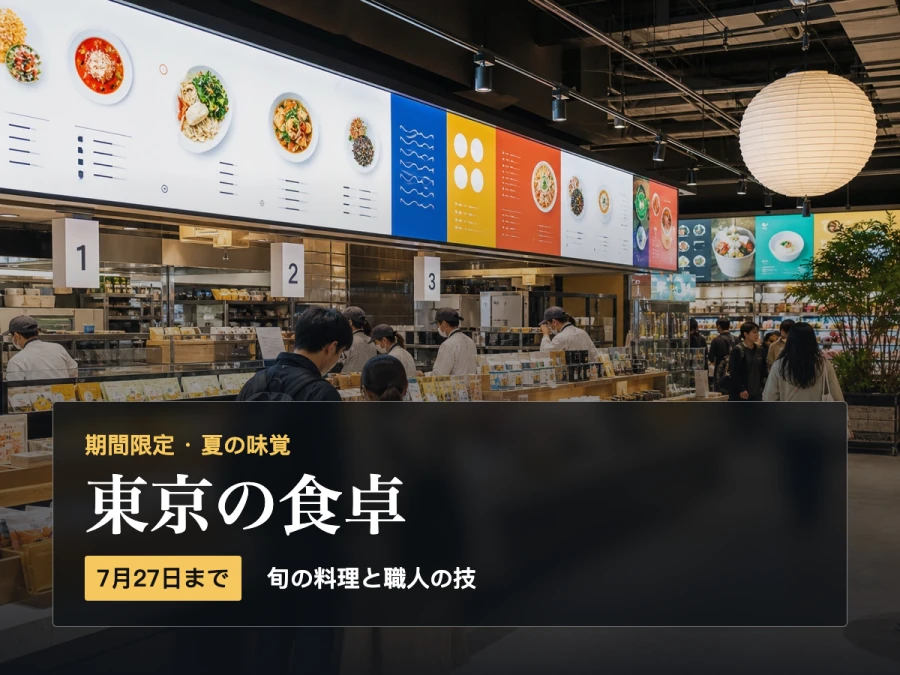

Designed for real image workflows
Localize product images for every market
Translate the text customers see inside marketplace images and campaign graphics while preserving product photography, brand hierarchy, and visual consistency.
Translate Amazon, Shopify, Etsy, and marketplace feature images for regional storefronts.
Localize benefit callouts, comparison charts, packaging labels, and promotional banners.
Protect brand names, SKUs, dimensions, and regulated wording with custom instructions.
How to translate product images
Prepare product artwork for another language without recreating every asset.
- 01
Upload the highest-resolution product image and choose the market's target language.
- 02
Add a terminology note for brand names, product codes, measurements, and preferred selling language.
- 03
Review claims, prices, legal text, and typography before publishing the localized image.
E-commerce image translation questions
Can I translate text inside product images?
Yes. The tool detects embedded text such as feature labels and promotional copy, translates it, and places it back into the graphic.
Can I keep brand names and SKUs unchanged?
Yes. List protected terms in the instruction field so the translation keeps brand names, product codes, and selected wording.
Is the result ready for a marketplace listing?
The downloaded image can be used in a listing after review. Check platform requirements, claims, pricing, dimensions, and mandatory legal text for the target market.
Ready in moments
Upload, adjust the settings, and preview the result in one straightforward flow.
Privacy comes first
Before you begin, ImageWise clearly indicates whether a tool runs locally or requires AI processing through your account.
Made for real work
Handle one-off edits, recurring content tasks, and multi-image projects from the same workspace.
Processing images regularly?
Compare plans for more AI usage, batch processing, saved results, and larger image workloads.