
Prompt generation
Image to Prompt Generator
Generate a detailed AI prompt from any reference image for FLUX, Midjourney, Stable Diffusion, and more.
Batch upload images
Select or drag up to 20 JPG, PNG, WebP, or GIF images at once. Each image can be up to 20 MB.
Prompt format
1/3 selectedTry each AI feature once per day for free. Sign in to continue and keep results in your account.
Prompt intelligence
Rebuild the creative logic behind any reference
Extract the subject, environment, camera language, lighting, materials, and style that make a reference image work.
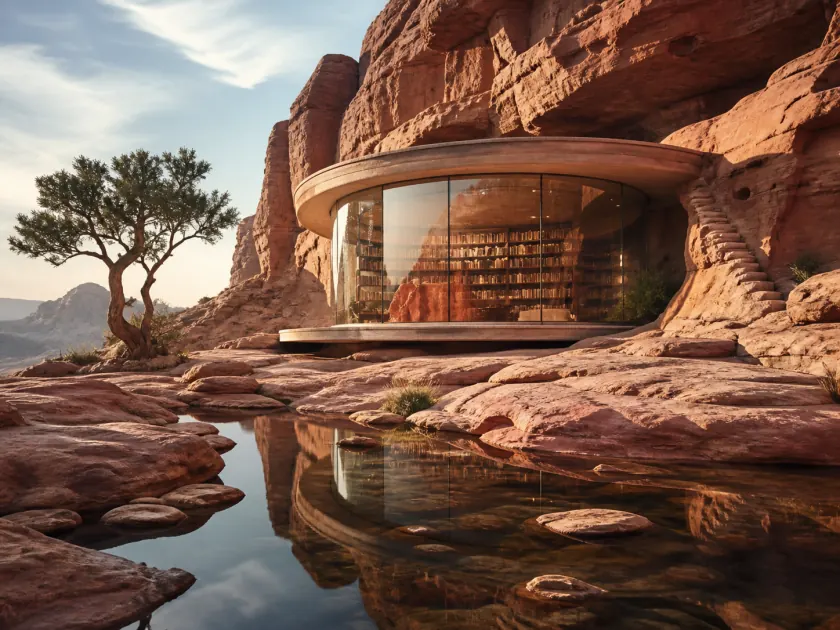
A circular glass library embedded in sunlit red desert cliffs above a shallow reflective pool, framed by one sculptural tree; sweeping editorial architecture photography with warm stone, precise glass reflections, and serene late-afternoon light.
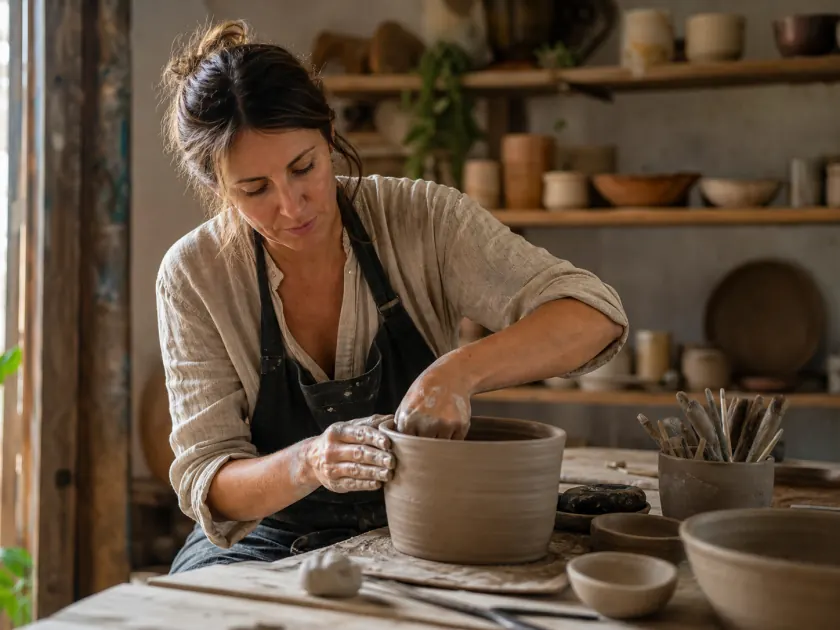
Environmental portrait of a ceramic artist shaping a large clay vessel in a workshop, warm window light across natural skin and linen, handmade pottery fading into a shallow 50mm background, quiet focused mood and tactile editorial realism.
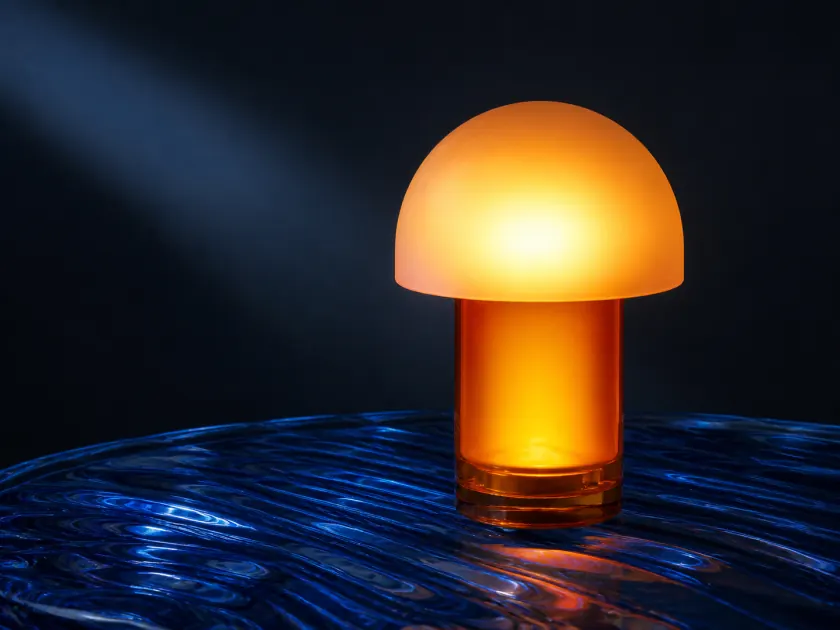
Concept product photograph of a translucent amber table lamp resting on rippled cobalt-blue glass; a warm frosted dome against cool directional light, precise reflections, minimal dark studio, and a premium industrial-design campaign aesthetic.
Designed for real image workflows
Generate an AI prompt from any image
Turn visual references into structured, reusable prompts instead of describing every detail by hand. ImageWise analyzes what is in the picture and how it was composed, then adapts the result to your chosen prompt format and creative direction.
Recreate the subject, setting, composition, and mood of a reference image.
Create model-ready prompts for FLUX, Midjourney, Stable Diffusion, or a universal workflow.
Extract a visual style, then remix it with a new subject or creative direction.
How to generate a prompt from an image
Upload a reference, choose how closely the prompt should follow it, and copy the result into your preferred AI image generator.
- 01
Upload a JPG, PNG, WebP, or GIF, paste an image, or provide an image URL.
- 02
Choose a prompt format, generation intent, and level of detail; add optional creative direction.
- 03
Generate, review, and copy the positive prompt, negative prompt, breakdown, and suggested parameters.
Image to prompt FAQ
What is an image to prompt generator?
It is an AI image analyzer that converts visible details—such as the subject, setting, composition, lighting, colors, camera language, and style—into a text prompt you can edit and reuse in an image generator.
Which AI image models can I create prompts for?
You can generate universal prompts or formats tailored to FLUX, Midjourney, Stable Diffusion, cinematic scenes, product photos, and graphic design. Multi-format mode lets you compare up to three versions in one run.
Can I change the prompt before using it?
Yes. Choose Recreate, Remix, or Style only, select concise, balanced, or detailed output, and add creative direction. The generated prompt remains editable after processing.
Can a prompt reproduce the source image exactly?
No. The tool creates a detailed interpretation of the reference, but each image model introduces variation. Use the breakdown and suggested parameters to refine composition, lighting, and style over several generations.
How many credits does image to prompt use?
The current credit cost is shown in the workbench before you generate. Selecting more prompt formats may increase the total because each format produces a separate model-ready result.
What images can I use?
Use photos, illustrations, product shots, concept art, and other references you own or have permission to use. Avoid private, restricted, or infringing material.
Ready in moments
Upload, adjust the settings, and preview the result in one straightforward flow.
Privacy comes first
Before you begin, ImageWise clearly indicates whether a tool runs locally or requires AI processing through your account.
Made for real work
Handle one-off edits, recurring content tasks, and multi-image projects from the same workspace.
Processing images regularly?
Compare plans for more AI usage, batch processing, saved results, and larger image workloads.