How to Turn a Reference Image Into a Better AI Prompt
Learn which visual details matter when converting an image into a structured prompt for image generation.
 ImageWise Team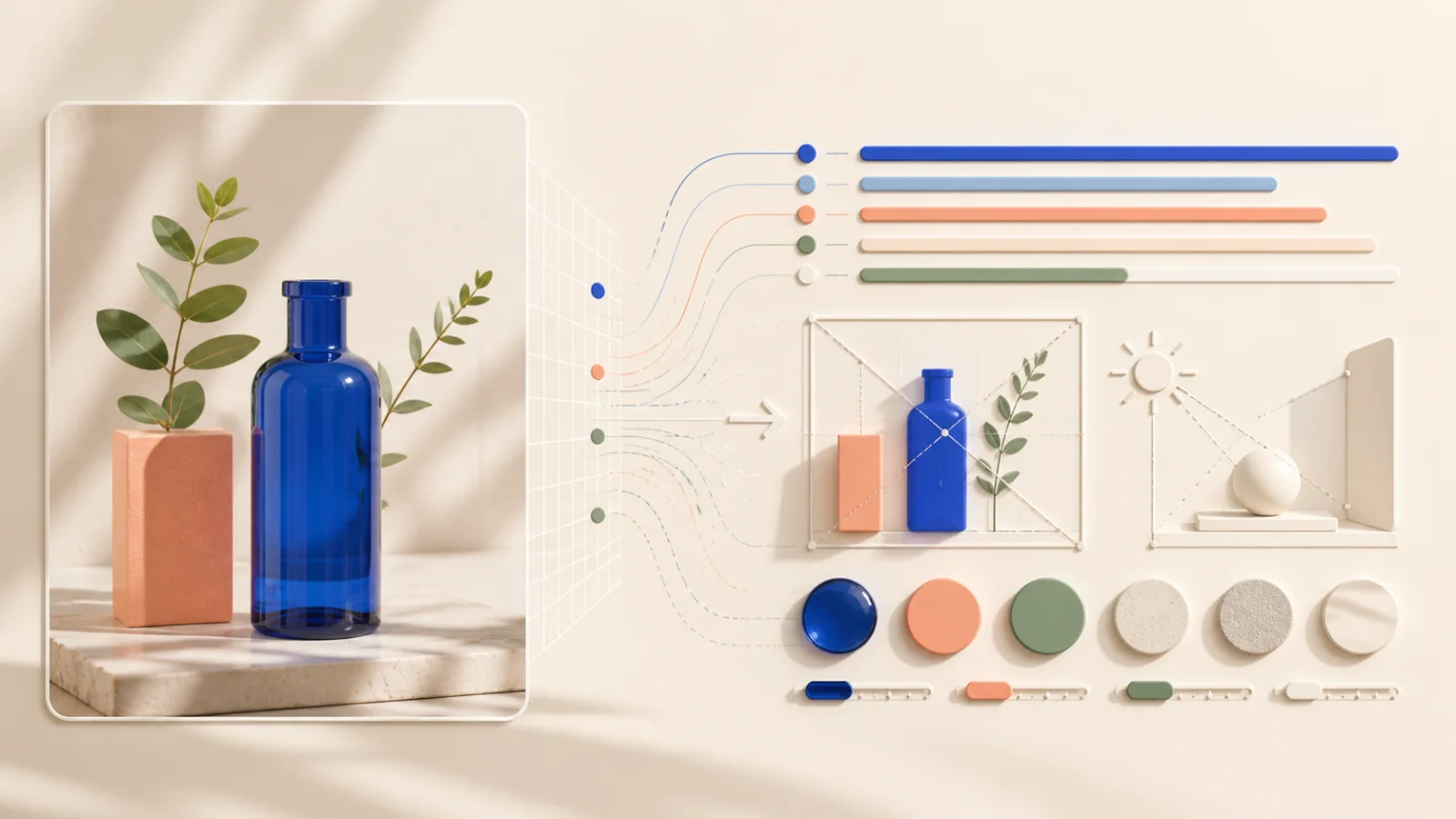
A useful image prompt does more than list visible objects. It captures composition, lighting, perspective, materials, color, mood, and the relationship between elements.
Describe the subject precisely
Identify the main subject first. Include relevant details such as pose, clothing, material, shape, expression, or product finish without filling the prompt with unrelated observations.
Capture composition and camera choices
Mention framing, viewpoint, lens feel, and depth. A close-up product shot, an overhead flat lay, and a wide environmental portrait can contain the same subject but produce very different images.
Pay attention to light and color
Lighting often carries more of the style than individual objects. Note whether the image uses soft daylight, hard flash, studio lighting, backlight, or colored light. Add the dominant palette and contrast level.
Separate content from style
Keep the subject and layout clear before adding style references. This makes the prompt easier to edit when you want the same composition with a different visual treatment.
Add your intended use
Use the instruction field to request a specific output, such as a concise prompt, a detailed production prompt, or a version optimized for a particular image model.