
AI image translation
AI Image Translator
Translate image text while keeping the original visual layout as closely as possible.
Batch upload images
Select or drag up to 20 JPG, PNG, WebP, or GIF images at once. Each image can be up to 20 MB.
Try each AI feature once per day for free. Sign in to continue and keep results in your account.
Layout-aware localization
Translate the message, preserve the image
Move visual content into a new language while keeping composition, hierarchy, and the original viewing experience intact.
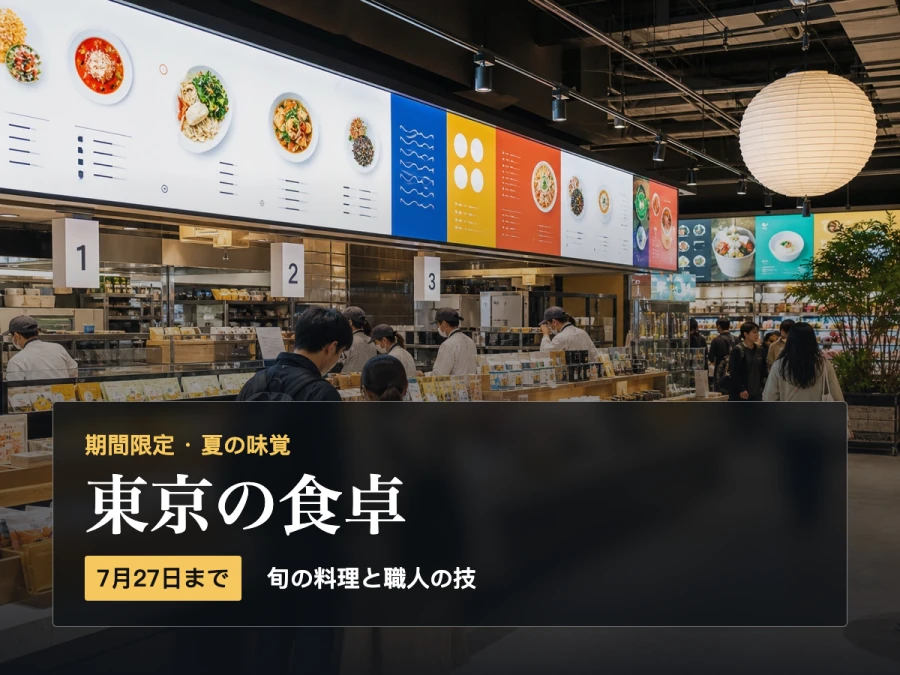
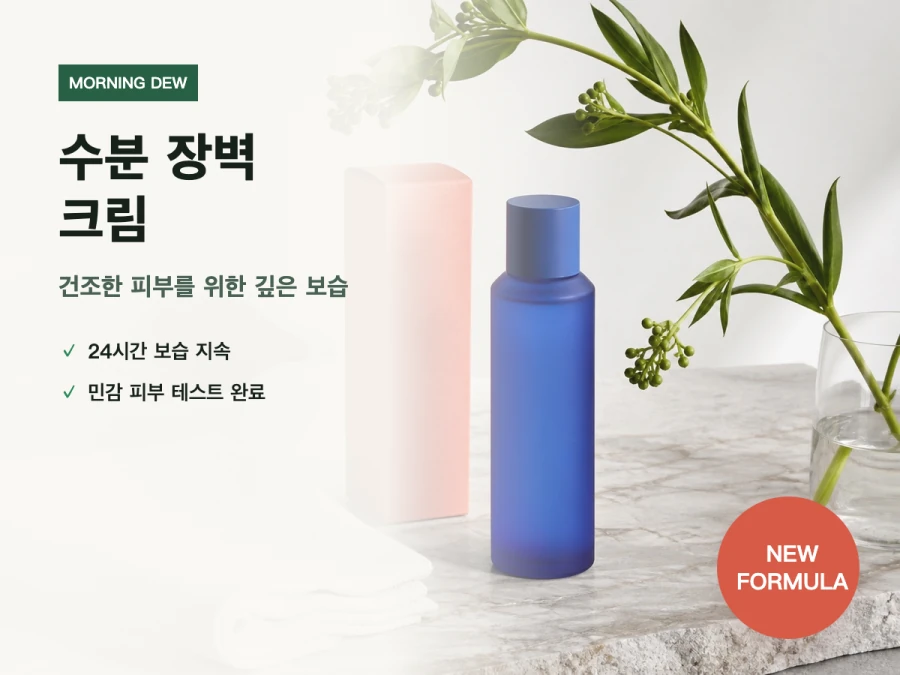
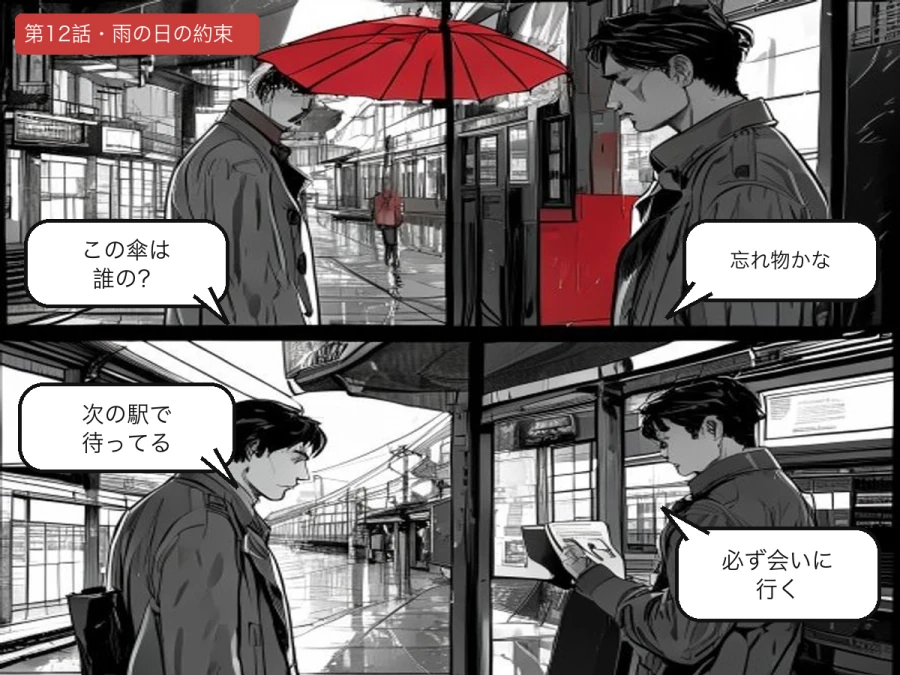
Real translation example
See the language change while the layout stays intact
This French menu becomes natural English while its prices, typography, spacing, visual hierarchy, coffee photo, and original styling remain easy to recognize.
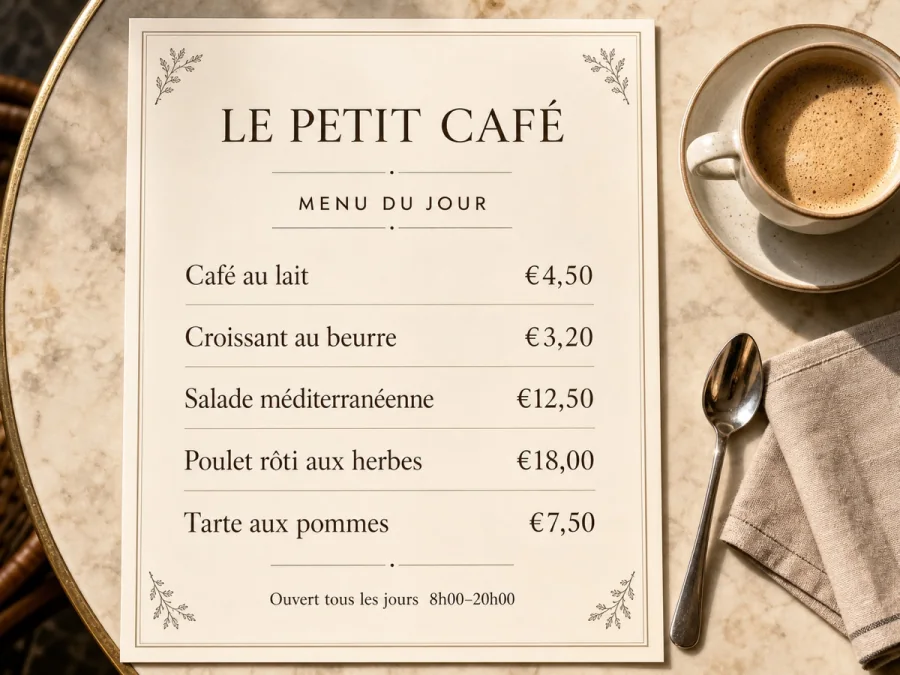 French original
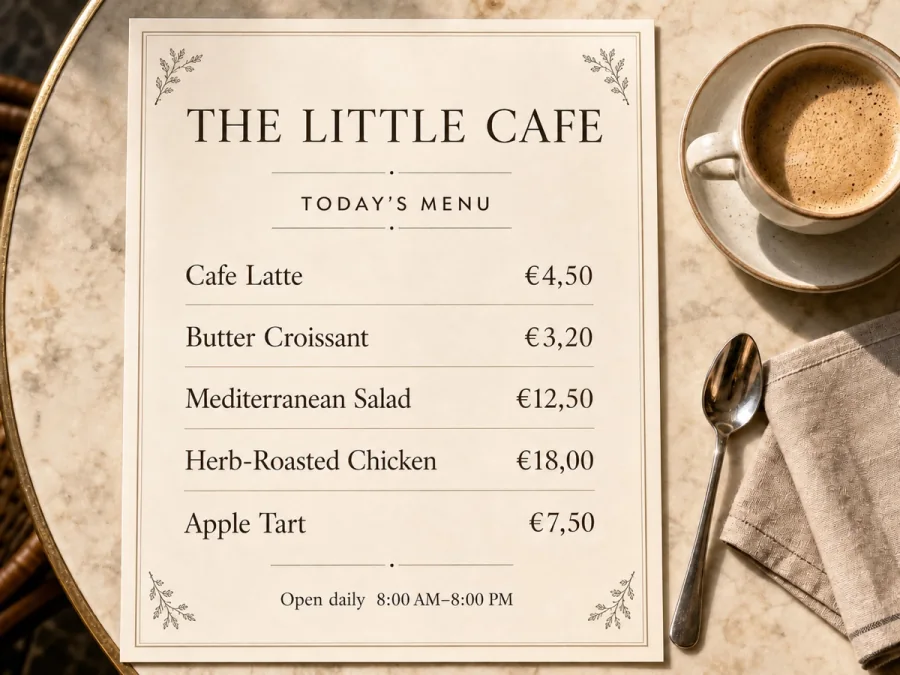 English translation
Designed for real image workflows
Translate text inside images without rebuilding the design
ImageWise detects text regions, translates them with visual context, and places the result back into the image. It is designed for files where the layout matters as much as the words.
Translate screenshots and interface labels while keeping controls easy to read.
Localize posters, social graphics, and campaign artwork without recreating the source file.
Translate menus and product graphics while preserving prices, numbers, and brand terms.
How to translate text in an image online
Use one guided workflow from source image to downloadable translated artwork.
- 01
Upload an image or paste a direct image URL, then confirm the source and target languages.
- 02
Add instructions for brand names, terminology, tone, or text that must remain unchanged.
- 03
Process the image, inspect the translated layout, and download the finished file.
Image translation questions
Can an image translator keep the original layout?
ImageWise detects the position of each text region and fits translated text into the same area. Complex backgrounds, curved lettering, and decorative fonts may still need a quick review.
Which images can I translate?
You can translate screenshots, menus, posters, social graphics, signs, product images, and other JPG, PNG, or WebP files that contain readable text.
Can I protect names, prices, and product codes?
Yes. Use the instruction field to keep brand names, model numbers, prices, SKUs, or selected phrases unchanged.
Do I need to extract the text before translating an image?
No. Upload the image directly. ImageWise handles text detection, translation, and visual reconstruction in one workflow, then returns a finished image rather than a plain text transcript.
Can it translate vertical, curved, or decorative text?
Many vertical and angled layouts work well, but strongly curved lettering, handwriting, very small type, and text blended into artwork can be harder to detect and redraw accurately.
Should I review the translated image before publishing it?
Yes. Always check names, prices, dates, measurements, product codes, legal wording, and small text. AI can preserve visual context, but important content still deserves a final human review.
Ready in moments
Upload, adjust the settings, and preview the result in one straightforward flow.
Privacy comes first
Before you begin, ImageWise clearly indicates whether a tool runs locally or requires AI processing through your account.
Made for real work
Handle one-off edits, recurring content tasks, and multi-image projects from the same workspace.
Processing images regularly?
Compare plans for more AI usage, batch processing, saved results, and larger image workloads.