
Photo translation
AI Photo Translator
Translate text in everyday photos, travel images, signs, menus, and screenshots.
Batch upload images
Select or drag up to 20 JPG, PNG, WebP, or GIF images at once. Each image can be up to 20 MB.
Try each AI feature once per day for free. Sign in to continue and keep results in your account.
Translation in the real world
Understand the world through the camera
Translate text where it naturally appears, from a busy street to a menu, ticket, label, or everyday snapshot.
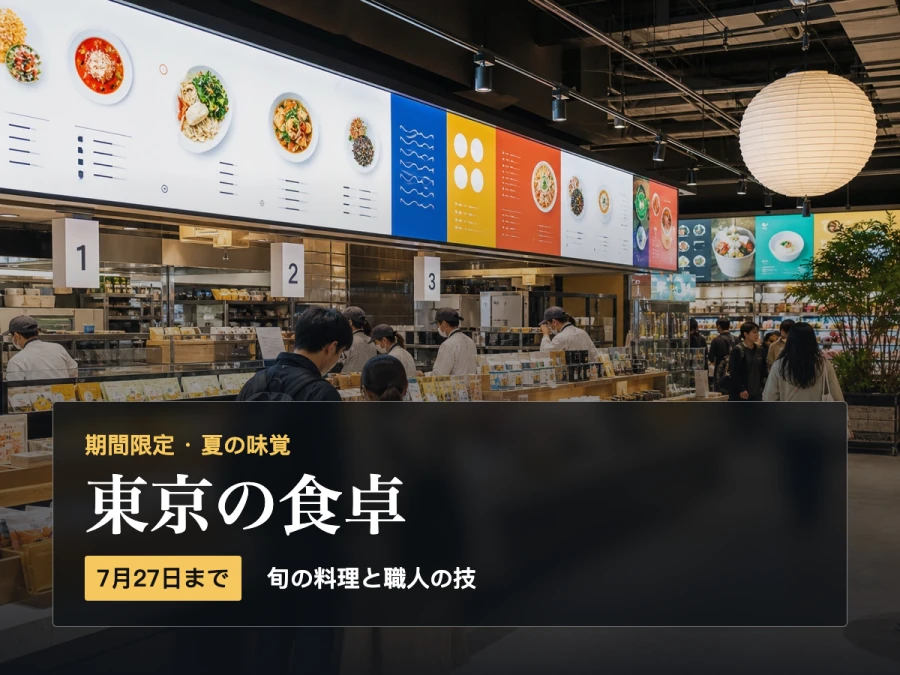
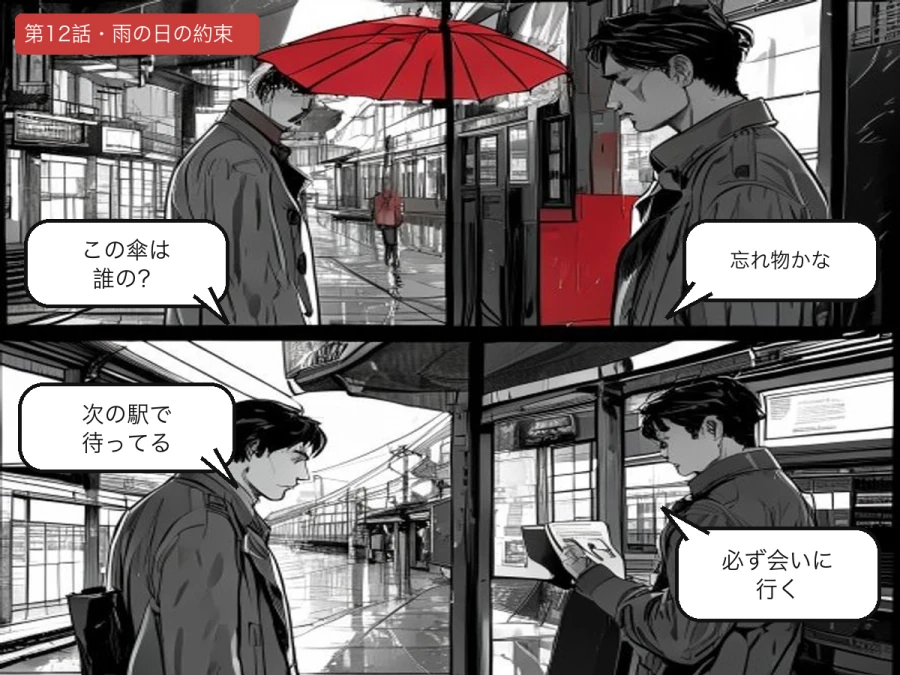

Designed for real image workflows
Translate text where it appears in the real world
Use a photo translator when the words are part of a scene rather than a clean document. ImageWise combines text detection with visual context to produce a readable translated image.
Translate restaurant menus, cafe boards, and printed notices while travelling.
Understand labels, tickets, receipts, instructions, and public signs from a photo.
Convert a saved camera image into a translated file you can share with others.
How to translate text from a photo
A clear source photo and the right language settings produce the most useful result.
- 01
Choose the sharpest photo available, with the text large enough to read and minimal glare.
- 02
Select the target language and add context such as travel, menu, label, or instruction.
- 03
Translate the photo, check small labels and numbers, then download the result.
Photo translation questions
What makes a photo easier to translate?
Use a sharp, well-lit image taken as straight-on as possible. Higher contrast and larger text improve detection.
Can I translate a restaurant menu photo?
Yes. ImageWise can translate dish names, descriptions, headings, and other visible menu text while keeping the photo format.
Can it translate angled or curved text?
Perspective-aware text regions are supported, but strongly curved, obscured, or stylized lettering can require manual review.
Ready in moments
Upload, adjust the settings, and preview the result in one straightforward flow.
Privacy comes first
Before you begin, ImageWise clearly indicates whether a tool runs locally or requires AI processing through your account.
Made for real work
Handle one-off edits, recurring content tasks, and multi-image projects from the same workspace.
Processing images regularly?
Compare plans for more AI usage, batch processing, saved results, and larger image workloads.