
Translate to English
Translate Image to English
Turn non-English screenshots, menus, posters, and product images into English.
Batch upload images
Select or drag up to 20 JPG, PNG, WebP, or GIF images at once. Each image can be up to 20 MB.
Try each AI feature once per day for free. Sign in to continue and keep results in your account.
English market readiness
Make every visual ready for English-speaking audiences
Turn regional screenshots, signs, menus, and campaign assets into clear English content without rebuilding them from scratch.
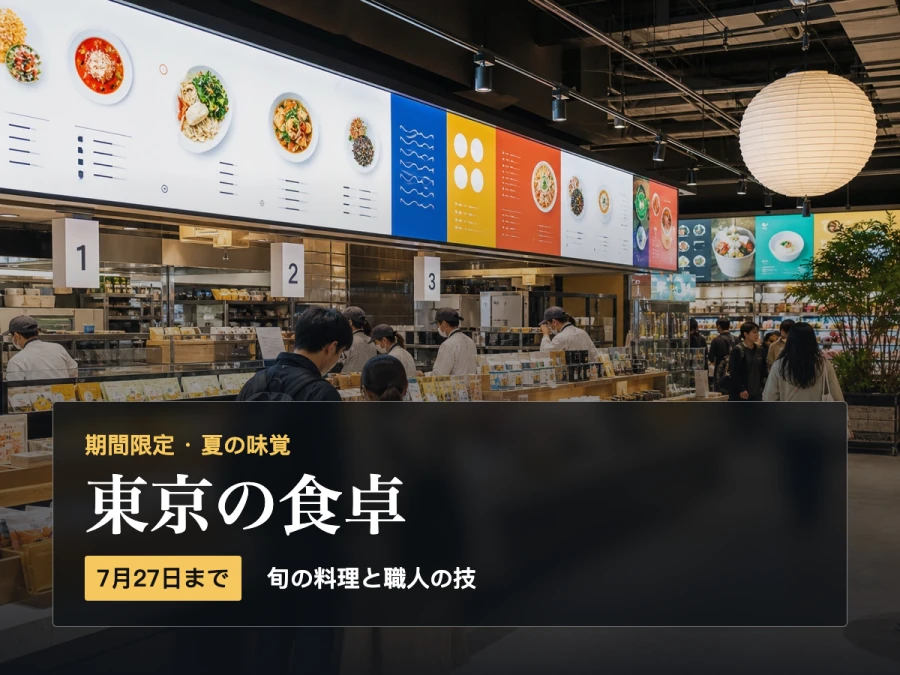
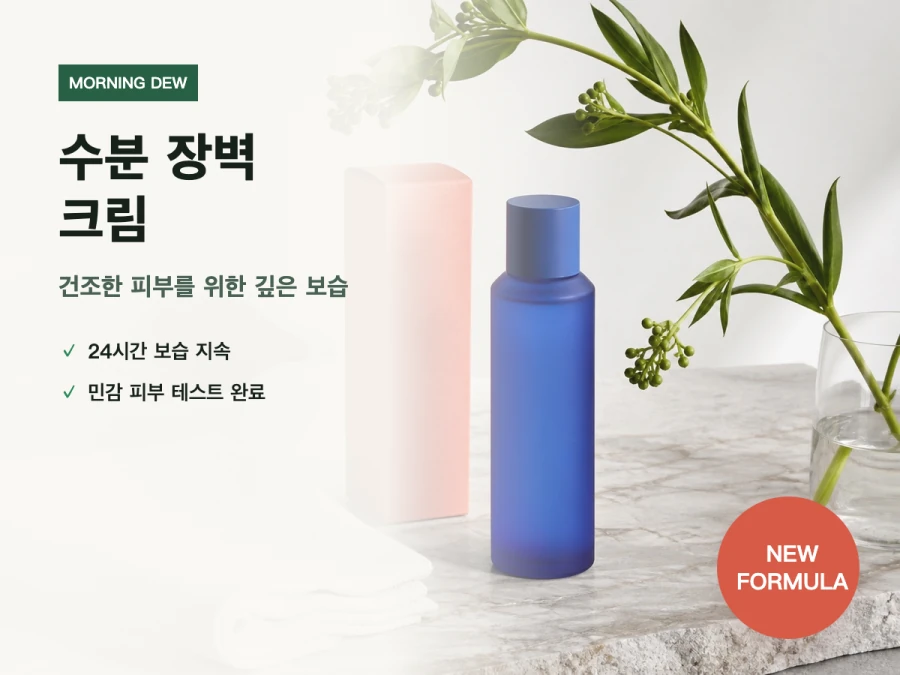
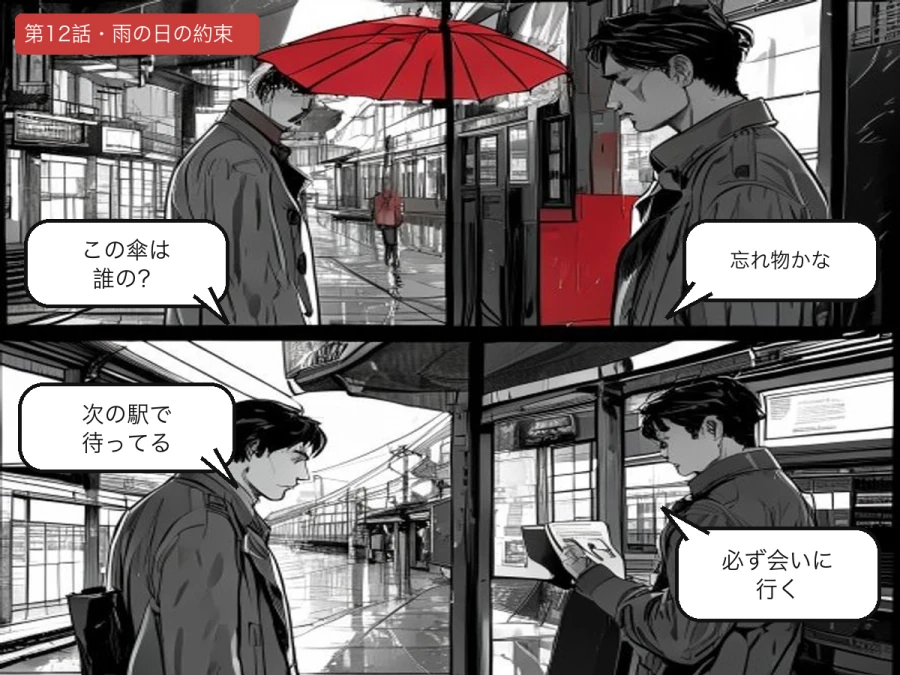
Designed for real image workflows
Turn non-English images into clear, usable English
Translate visible text into English without copying each line into a separate translator. The output remains an image, ready to review, share, or publish.
Translate app screenshots and website interfaces into English for support, research, or localization.
Read foreign-language menus, signs, notices, tickets, and travel photos in English.
Prepare product images and campaign graphics for English-speaking customers.
How to translate an image to English
Translate the words and retain the image context in three steps.
- 01
Upload a screenshot, photo, poster, menu, or product image with visible text.
- 02
Leave source language detection on automatic or select the language when the image contains mixed text.
- 03
Generate the English version, compare the layout, and download the translated image.
Translating images to English
Can I translate a screenshot to English?
Yes. Upload the screenshot and ImageWise will identify visible interface text, translate it into English, and redraw it in the corresponding regions.
Does it work with menu and sign photos?
Yes. Clear, well-lit photos give the best OCR result. Small, angled, blurred, or reflective text may be harder to detect.
Will numbers and prices be changed?
Numbers are protected during translation where possible. Always review prices, dates, measurements, and codes before publishing the result.
Ready in moments
Upload, adjust the settings, and preview the result in one straightforward flow.
Privacy comes first
Before you begin, ImageWise clearly indicates whether a tool runs locally or requires AI processing through your account.
Made for real work
Handle one-off edits, recurring content tasks, and multi-image projects from the same workspace.
Processing images regularly?
Compare plans for more AI usage, batch processing, saved results, and larger image workloads.