Photo Translator Online: How to Translate Text in Any Photo
Use an online photo translator to read and translate signs, menus, labels, documents, and product photos without manually typing the text.
 ImageWise Team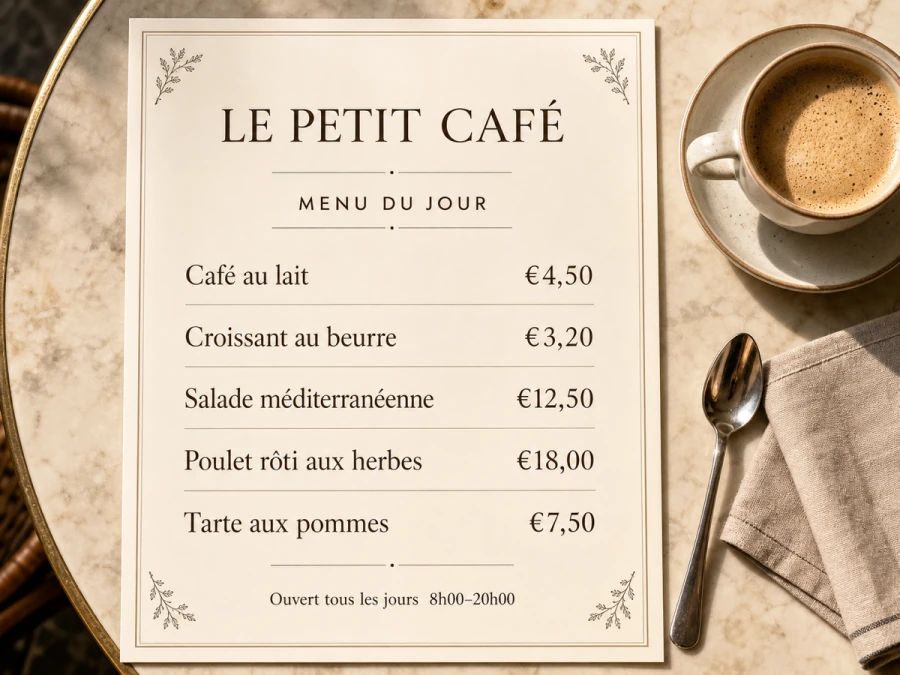
A photo translator turns text captured by a camera into readable content in another language. It is useful for restaurant menus, street signs, product labels, receipts, printed documents, packaging, and travel photos—especially when the text cannot be selected or copied.
The most useful tools do more than extract words. They keep each translation connected to the correct part of the photo, so you can understand the image without constantly switching between an OCR result and the original.
Choose a clear, high-resolution photo
Start with the original photo whenever possible. Sharp text, even lighting, and a straight camera angle improve recognition. Avoid screenshots of compressed social-media previews when the full-resolution file is available.
If the photo contains private information, crop or blur anything that is not needed before uploading it.
Let the translator detect the source language
Automatic language detection is convenient when you do not recognize the script. For mixed-language packaging or a bilingual menu, selecting the dominant source language can produce more consistent results.
Then choose the language you actually need. Translating directly from the source to the target usually gives clearer phrasing than passing the text through an intermediate language.
Add context for names and specialist terms
Short labels can be ambiguous. A word on a medicine box, machine control panel, cosmetics package, or restaurant menu may have a specialist meaning that a general translation misses.
Use a custom instruction to identify the content type and preserve brand names, model numbers, measurements, prices, and proper nouns. For example: “Translate this Japanese skincare label into natural English. Keep the brand name and ingredient measurements unchanged.”
Translate the photo, not just the extracted text
Plain OCR is enough when you only need a text transcript. A layout-aware image translator is better when placement matters—for example, a menu with prices, a diagram with labels, or product packaging with several callouts.
After processing, check that every translated phrase still points to the right object and does not cover important artwork.
Review before sharing or publishing
Machine-assisted translation can misread stylized fonts, low-contrast text, handwriting, or curved packaging. Compare names, numbers, dates, warnings, and prices with the source photo. For medical, legal, or safety-critical content, ask a qualified human translator to verify the result.
Photo translator or screenshot translator?
Use a photo translator for camera images such as signs, menus, labels, and documents. Use a screenshot translator for app interfaces, chats, websites, games, and digital dashboards. Both workflows rely on text recognition, but the image quality problems and review priorities are different.
Translate a photo online with ImageWise
Related: how to translate text in an image and Google Translate image capabilities and limitations.